September 26, 2026 · Anaheim Cell Phone Repair Blog
Tablet Touchscreen Not Responding? What to Try First
When a tablet screen stops responding, careful basic checks can help identify whether the issue is a temporary software problem or hardware damage.
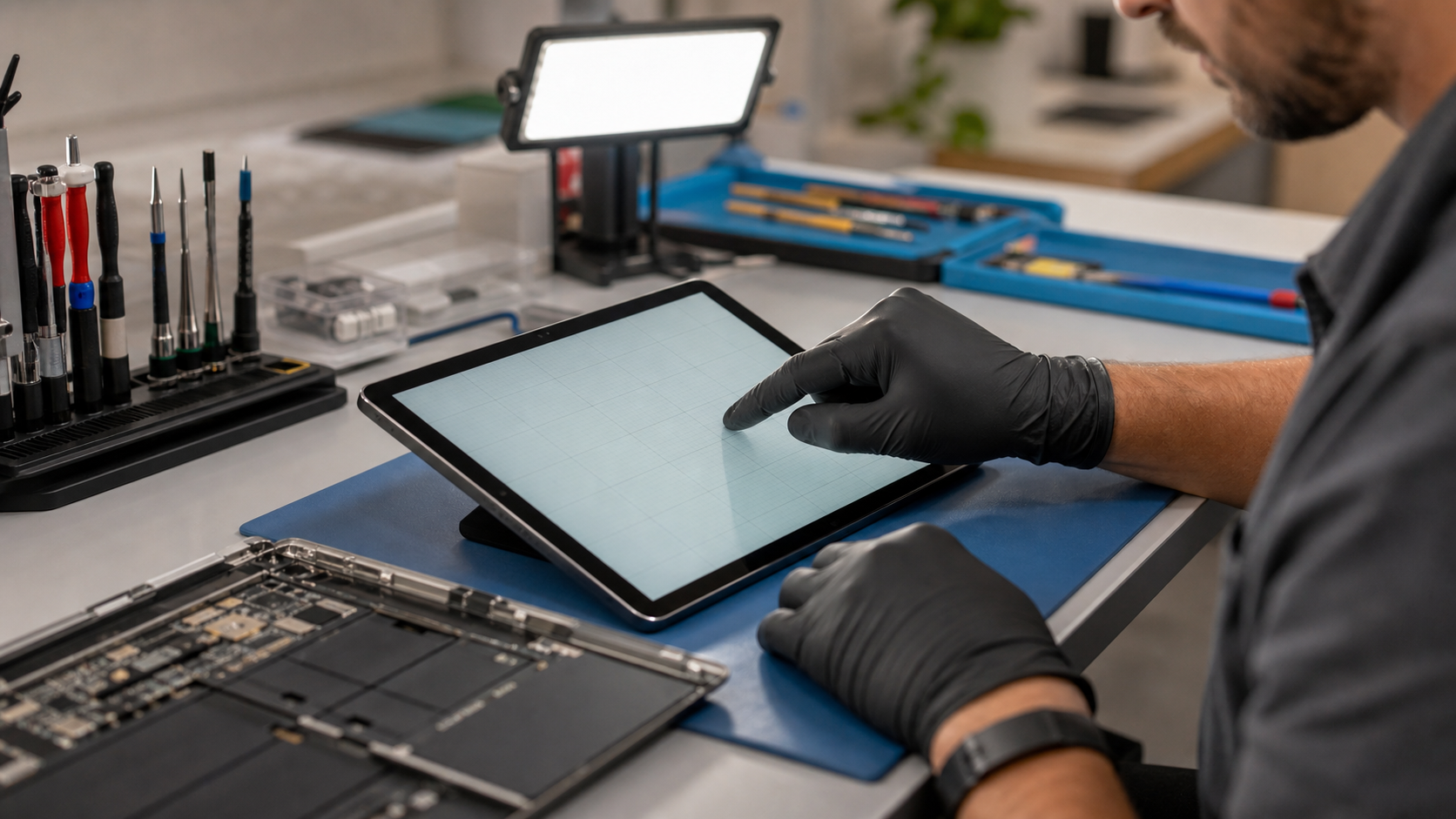
Check the obvious first
Remove a cracked or poorly fitted screen protector and disconnect charging accessories. Clean the screen gently with a dry microfiber cloth, then test touch in several areas. If part of the display is dark, flickering, or visibly cracked, avoid pressing hard on it.
Restart only when safe
If the tablet is dry, not swollen, and not unusually hot, a normal restart may clear a temporary software issue. Install updates after it is stable. Do not keep forcing restarts on a tablet that has water exposure, a lifted screen, or signs of battery swelling.
Decide what to bring in
A technician can check the display, touch layer, connector, frame, and battery condition. Bring the tablet, any relevant charger, and a note of what happened before touch stopped working. Back it up if it still responds enough to do so safely.