

Power it off
If the phone is on and you can safely power it down, do that and keep it dry.
Liquid damage can change quickly. If it is safe to do so, power the phone down, keep it dry, and bring it in for assessment instead of trying to charge or heat it.
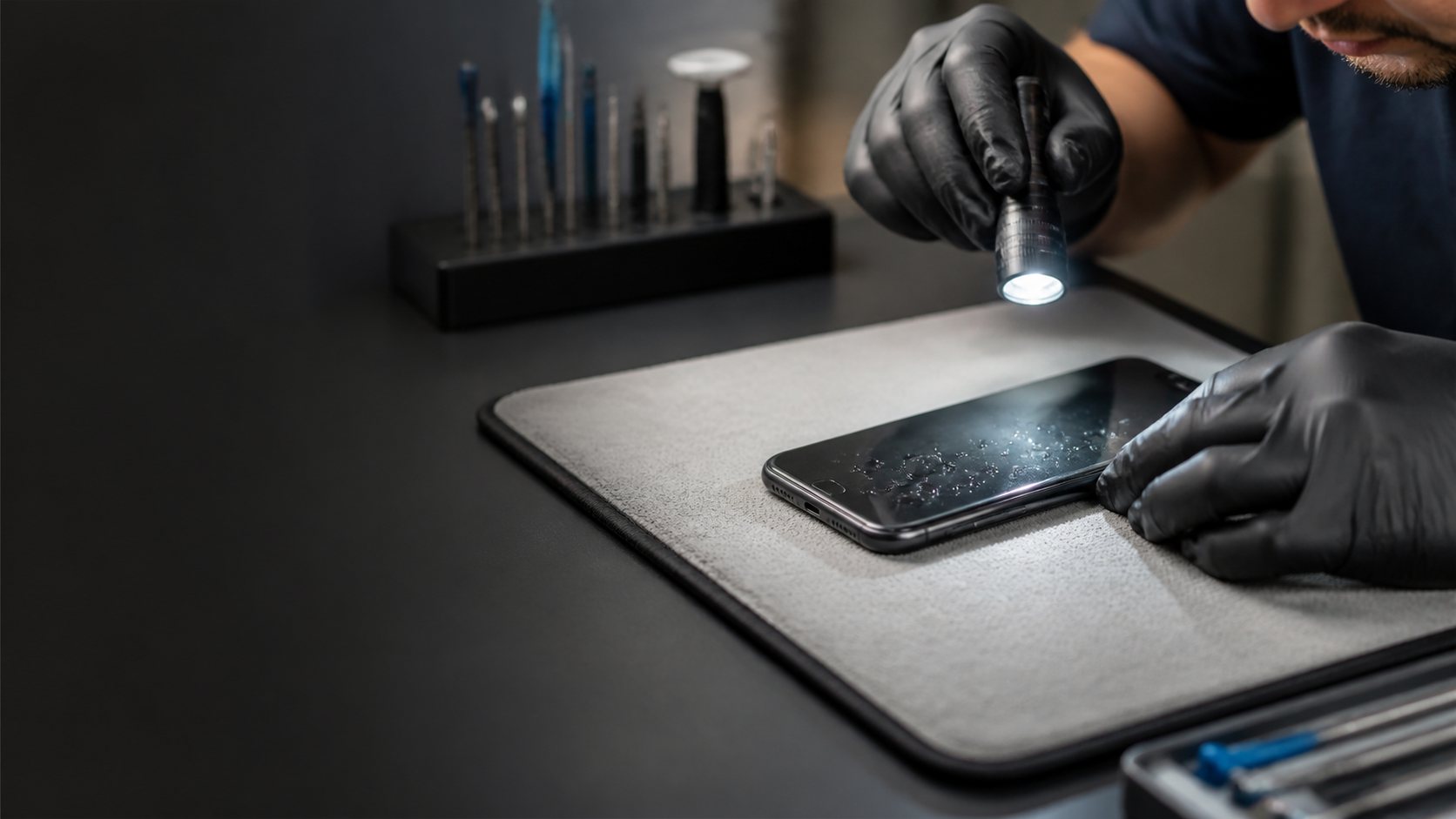
A few careful choices can prevent additional damage before a technician can inspect the phone.
If the phone is on and you can safely power it down, do that and keep it dry.
Do not plug in the cable or place it on a charger while moisture may still be inside.
Do not heat it, take it apart, or rely on rice as a repair method. Bring it in for assessment.
We inspect the phone and explain the condition we find before recommending work.
If photos, contacts, or other accessible data are a priority, we explain the possible next steps without promising an outcome.
You receive a clear recommendation before any repair or recovery work begins.
The safest next step comes from protecting the device first, then checking what the symptoms support.
Do not charge, heat, or put a wet phone in rice. Bring it in promptly for assessment.
Does it ring, vibrate, show a logo, get warm, or react to a charger? Those clues direct the diagnosis.
We explain what can be tested and what recovery options may be realistic before work starts.
Liquid exposure can affect a phone immediately or later as corrosion reaches charging, audio, camera, display, battery, and power components. The liquid, exposure time, whether it was charging, and what still works all shape the repair conversation.
Call for urgent guidance, book a drop-off time, or contact us with what happened.
 Avoid more damage
 01
01 Call now
 Book a repair
 Contact us