

 Clear repair options
 Quality parts
Charging port inspection
We check the port connection when a cable feels loose or only works at a certain angle.
A loose plug, slow charging, or an iPhone that will not charge can be frustrating. We can inspect the cable connection and charging port, explain what we find, and recommend the right repair.
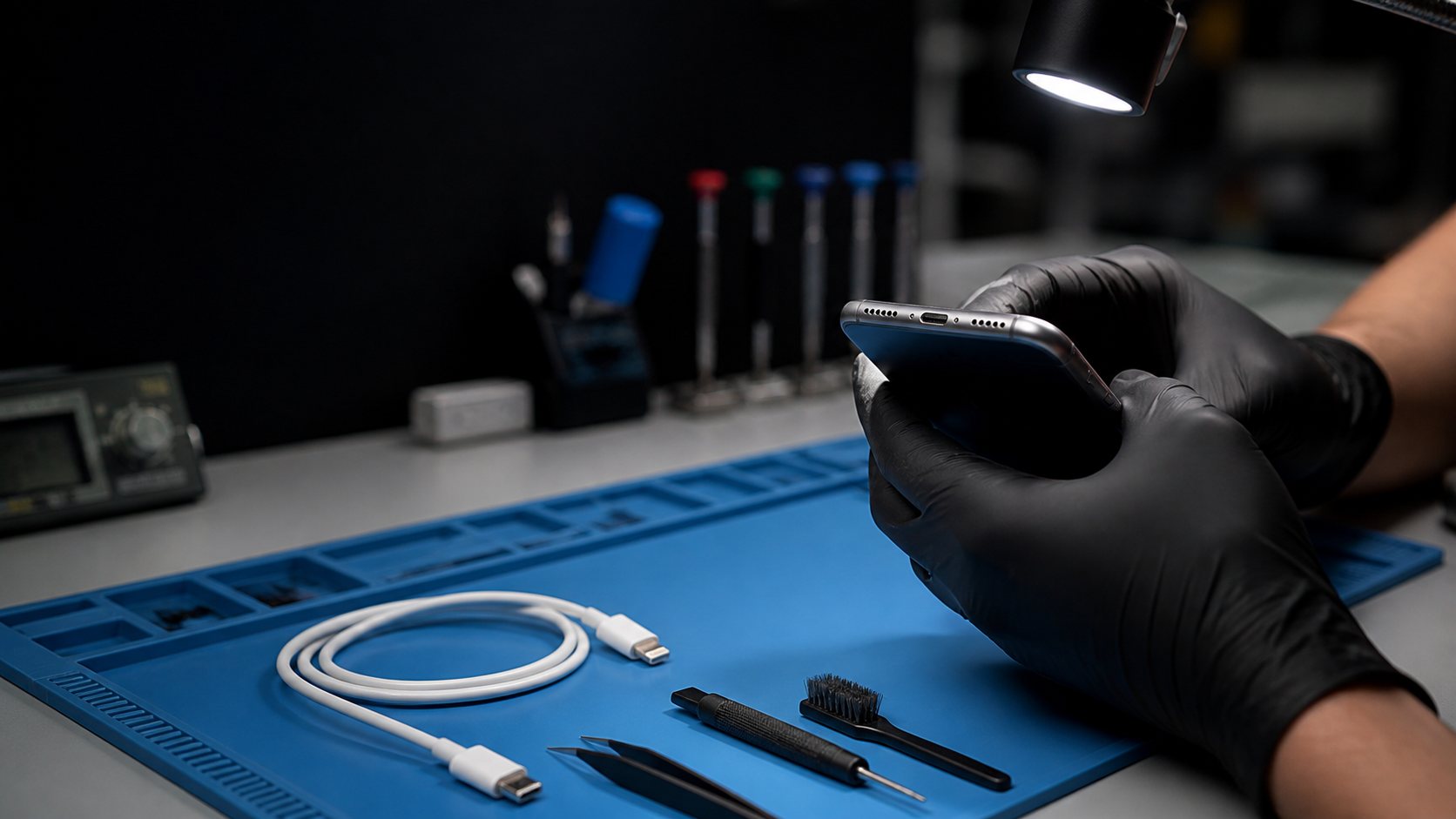
We start with the simple possibilities, then recommend repair only when the device needs it.
We check the port connection when a cable feels loose or only works at a certain angle.
Built-up debris can keep a cable from seating correctly. We inspect before recommending replacement.
A weak battery can affect charging behavior even when the cable fits securely.
When the port itself is damaged, we explain the repair and timing before work begins.
Tell us whether the cable feels loose, only charges at an angle, charges slowly, or does nothing.
Our technicians check the phone and explain whether cleaning, a part repair, or another solution makes sense.
Approve a repair when you are ready, or take the diagnosis and next steps with you.
A cable that moves in the port can point to debris, cable wear, or a charging-port issue. A quick inspection is the safest way to know.
Do not force it. If the cable does not seat normally, bring the phone in so we can inspect the connection.
Yes. We can inspect the device and explain which repair, if any, is appropriate before work begins.
Yes. Visit our iPhone repair in Anaheim page for screens, batteries, cameras, speakers, and other common repairs.
Small details—heat, shutdowns, cable angle, charging speed, and battery behavior—help distinguish the likely cause.
Tell us whether the iPhone gets hot, shuts down, charges at an angle, or changes behavior with a different cable.
A diagnosis checks the relevant path before a battery or port is recommended.
Stop charging an unusually hot phone or one with a lifting screen until it can be inspected.
A phone that charges slowly, works only at one cable angle, or stops charging can involve the cable, adapter, outlet, debris, moisture protection, battery condition, or the charging port itself. The physical fit and the charging pattern matter.
Free parking out front. Walk-ins are welcome, or choose a convenient repair drop-off time online.
419 S Brookhurst StAnaheim, CA 92804Call, reserve a repair time, or send us a question about your charging problem.
 Same-day on many models
 02
02